Every loader, installed the official way
Vanilla, Fabric, Quilt, Forge and NeoForge, straight from each project's own servers. Forge and NeoForge run their real installers. Each instance keeps its own mods, settings, worlds, Java and memory.
 Vitra
Download
Vitra
Download
Vitra is a fast, private launcher with a liquid-glass interface. Install any version, manage mods and modpacks, jump into the biggest servers and tune performance, all from one place.
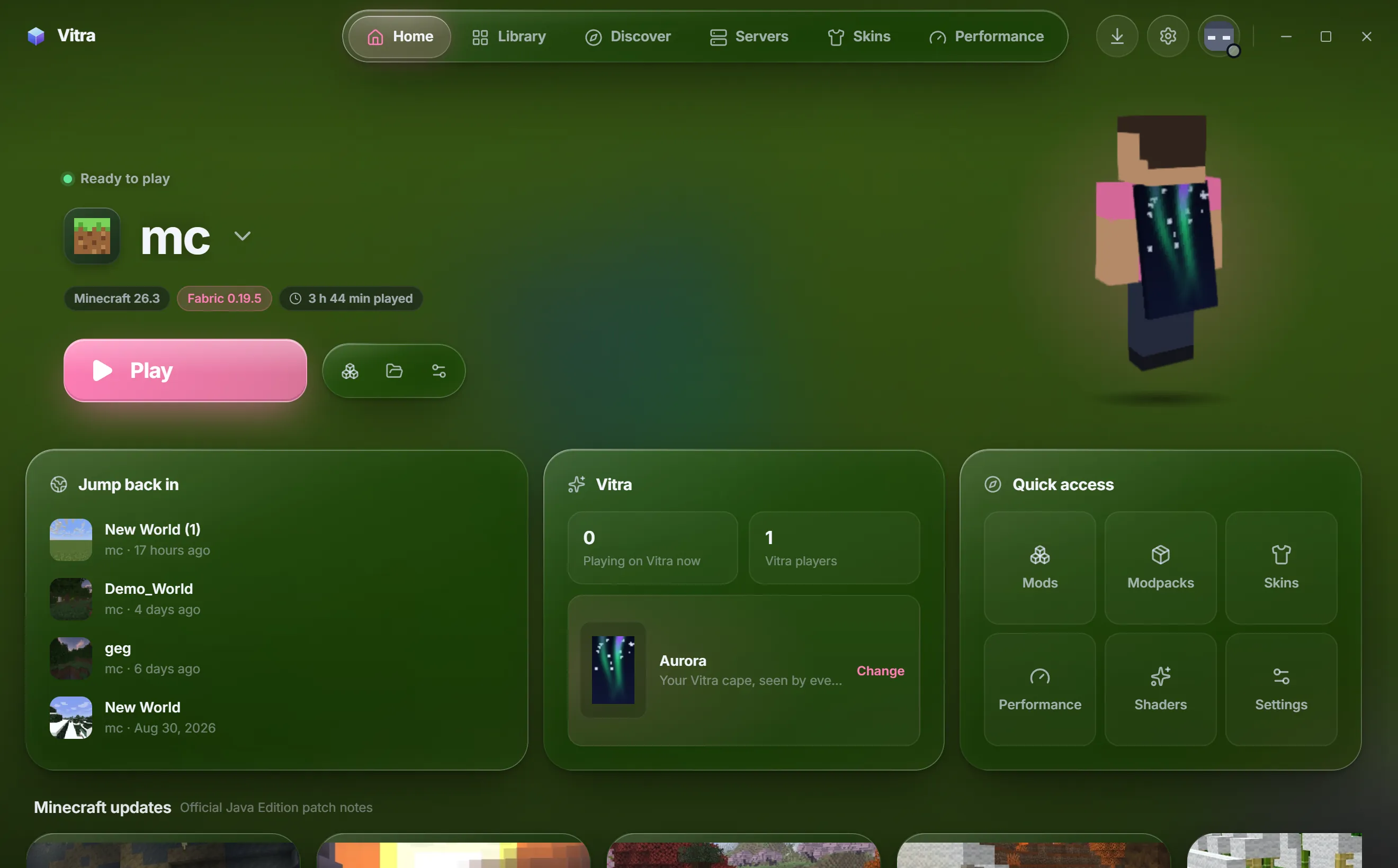
Everything in one place
Vanilla, Fabric, Quilt, Forge and NeoForge, straight from each project's own servers. Forge and NeoForge run their real installers. Each instance keeps its own mods, settings, worlds, Java and memory.
Mojang's own runtime for every version, from Java 8 to 25. Nothing to install by hand.
Search mods, modpacks, resource packs and shaders. Dependencies resolve themselves and updates are one click.
Import from Prism, MultiMC, CurseForge, Modrinth App, ATLauncher, GDLauncher or the Minecraft Launcher, mods and worlds included. Originals stay untouched.
Presets that change real game settings and add proven optimization mods. No fake FPS promises, and never all of your RAM.
Try on popular skins or find any player's in 3D. Wear a free Vitra cape, animated ones too, or turn any GIF into one. Change your Minecraft name right here, with close free names suggested when yours is taken.
Your latest screenshot becomes a soft, blurred backdrop, and the accent can follow its colors. Glass, blur, motion and scale are all yours to tune.
Your first diamonds, the first trip to the Nether, beating the Ender Dragon: Vitra keeps a picture of every big moment as you play. Nothing is added to the game, and the pictures stay on your PC.
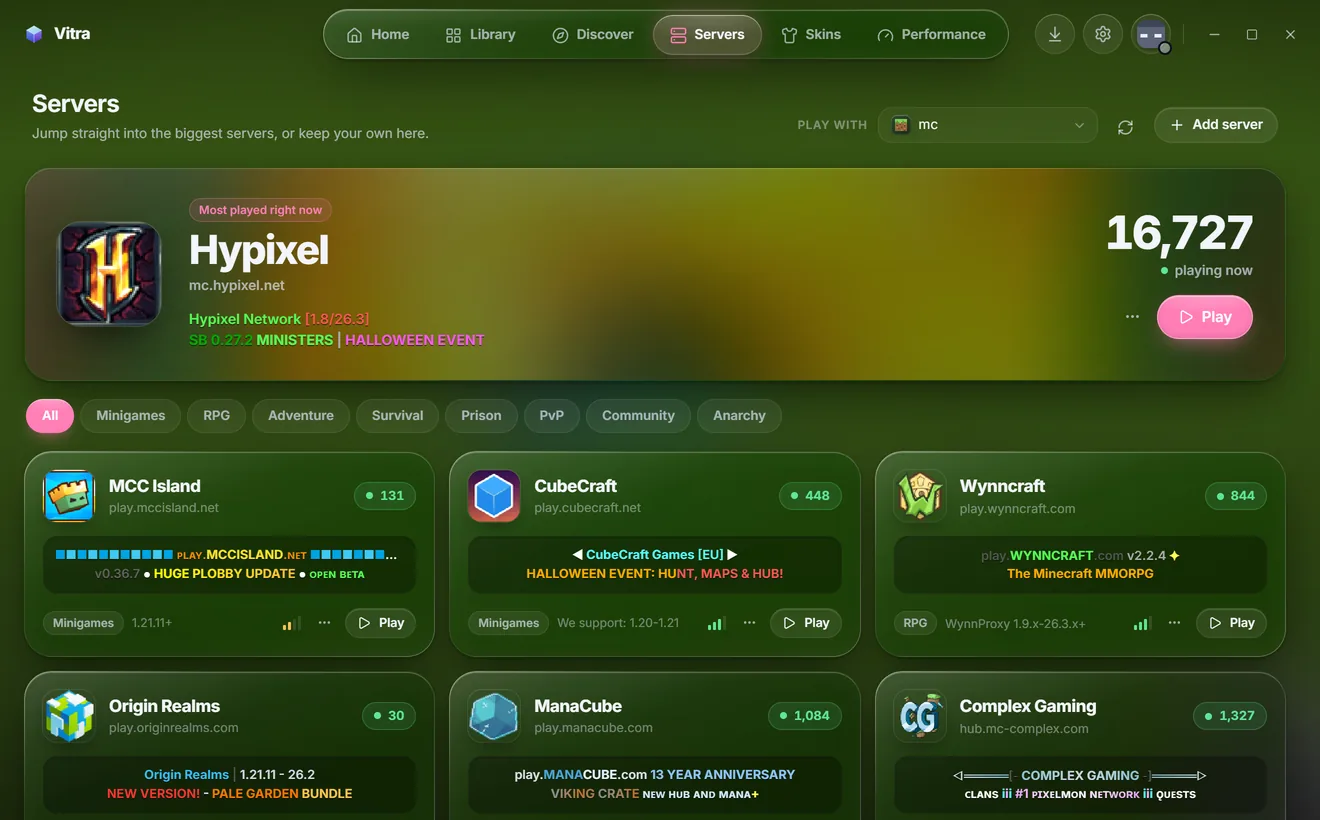
Servers
Vitra asks each server for its status the same way the game's multiplayer screen does, so what you see is what's really there right now.
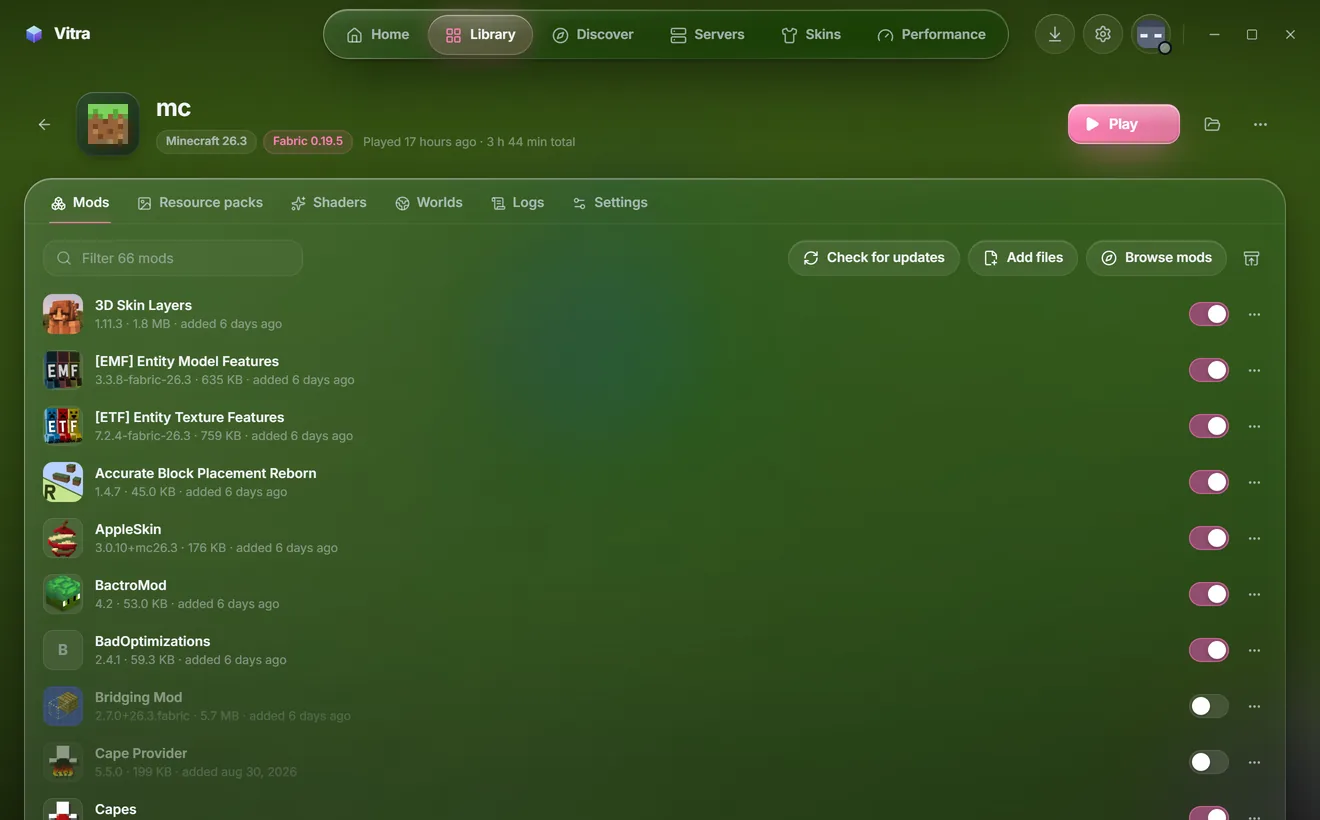
Instances
Every instance has its own home for mods, resource packs, shaders and worlds.
Tour
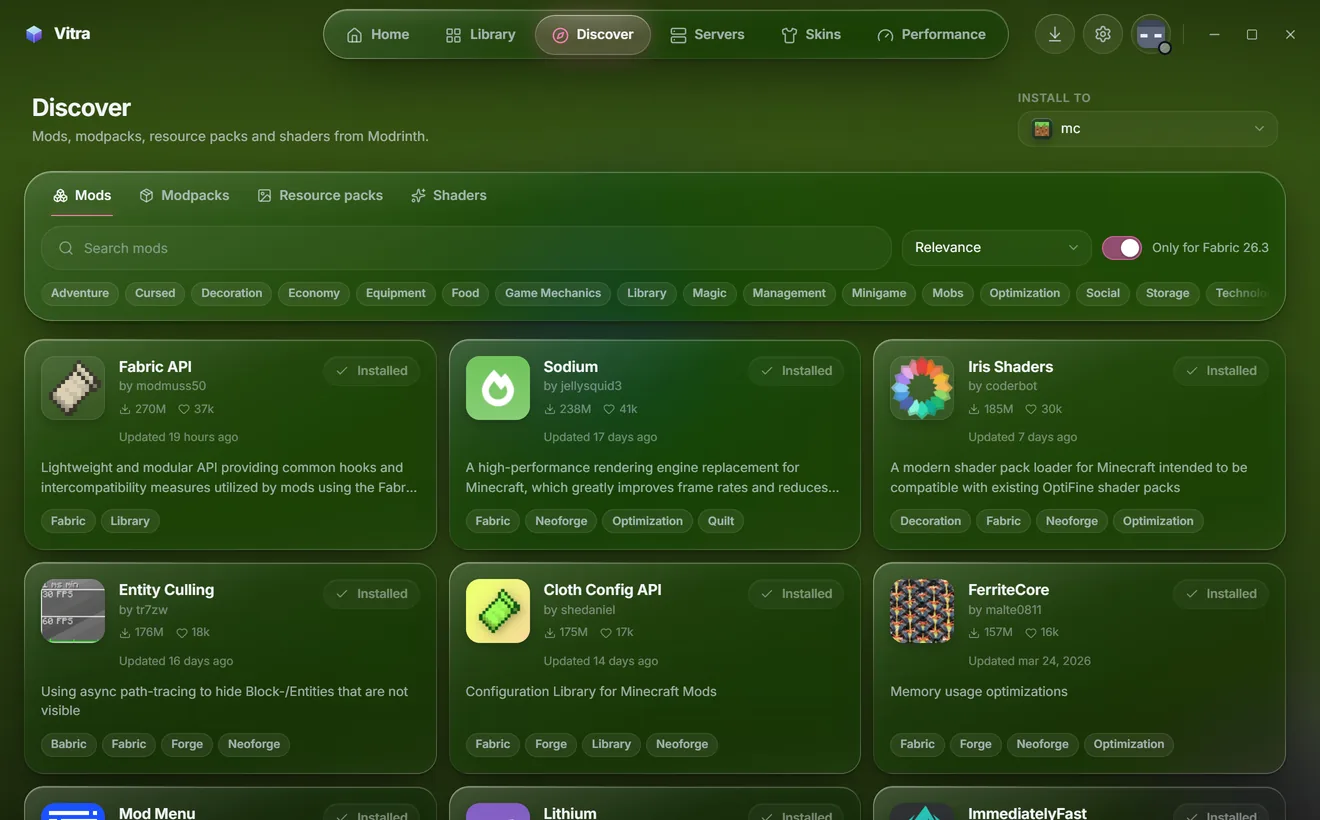
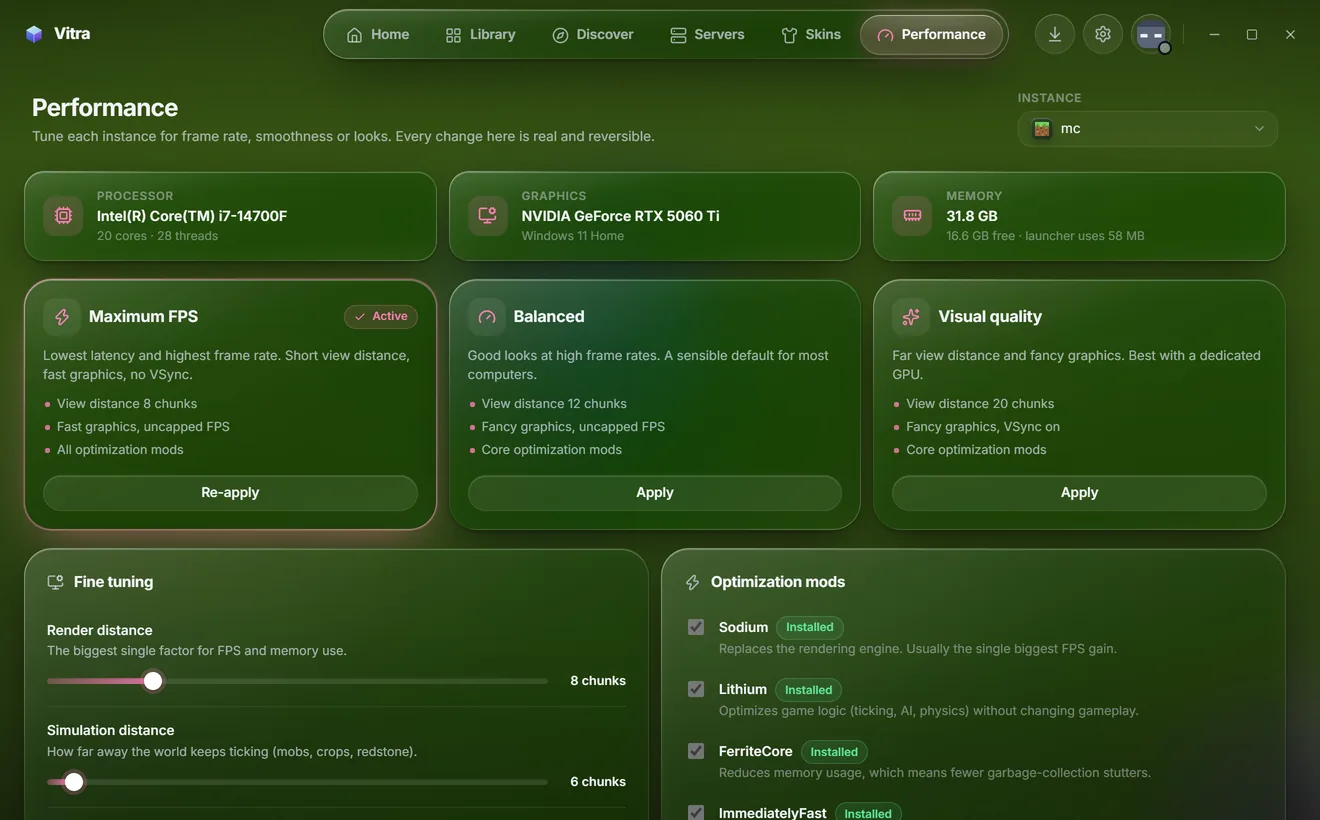
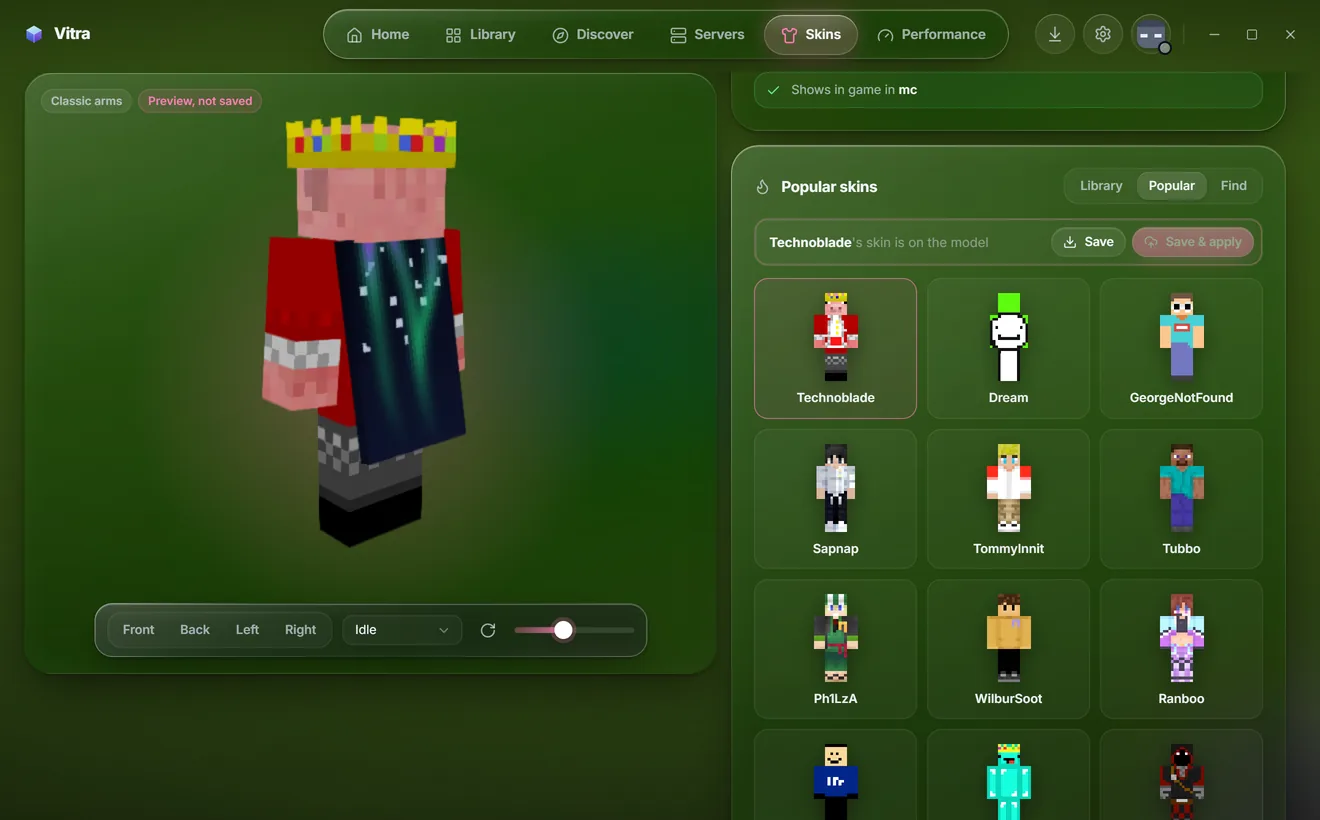
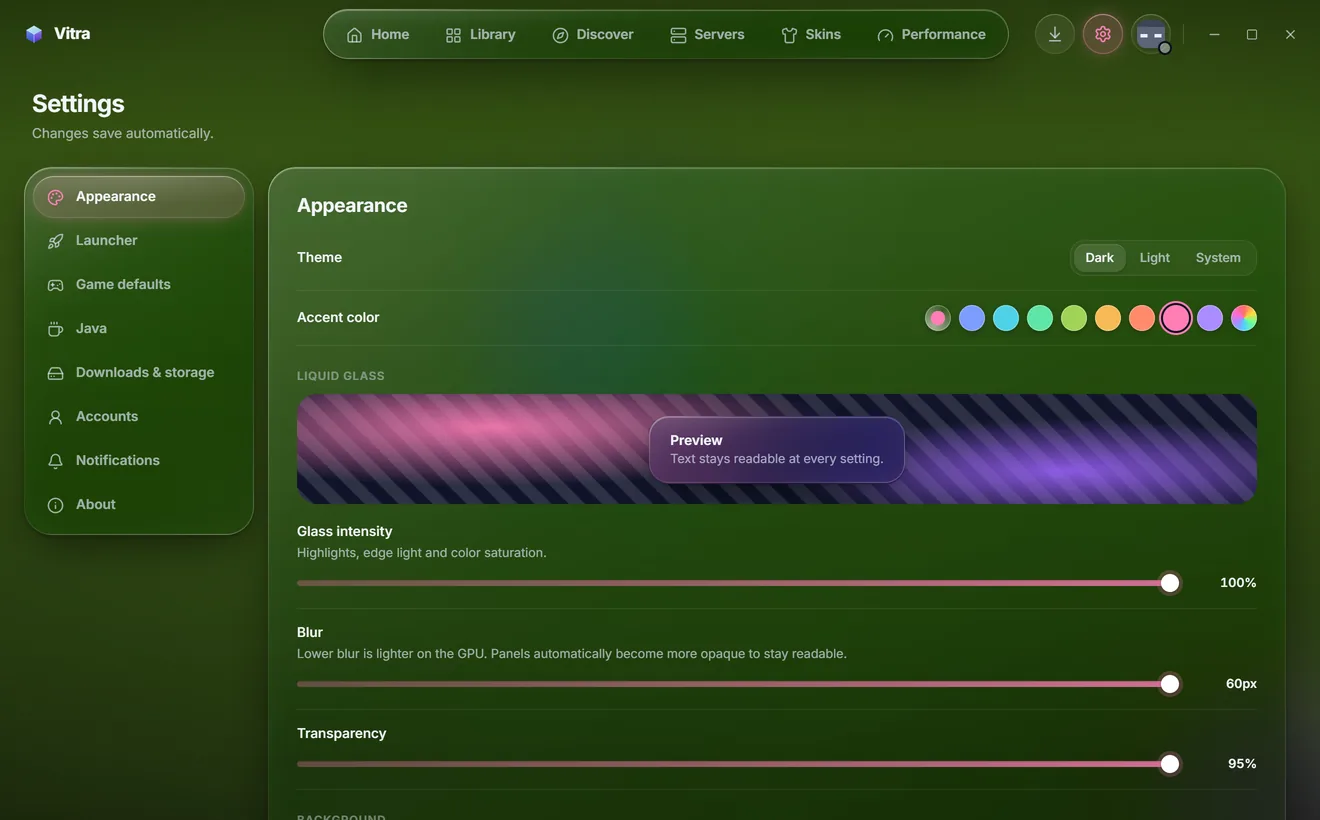
Discover: browse Modrinth mods, modpacks, resource packs and shaders, filtered to what works with your instance.
Download
Free for Windows 10 and 11. Sign in with the Microsoft account that owns Minecraft: Java Edition and you're set.
7a0ec32951c3557e9761279eb2f28b4165a129ca5d50809ed253ab2e5d8f0d83Vitra is new and not code-signed yet, so Windows may show "Windows protected your PC". Choose More info, then Run anyway.
Microsoft account sign-in
Vitra uses the official Microsoft sign-in, so players can launch the copy of Minecraft they own. You sign in on Microsoft's own website, never inside Vitra.
login.microsoftonline.com/consumers, scope XboxLive.signin offline_access.rp://api.minecraftservices.com/./authentication/login_with_xbox exchanges the Xbox token for a Minecraft access token./entitlements/mcstore and /minecraft/profile confirm the game is owned and read the player's name and UUID.